Magic Endoscope 1.3.1: steadier USB video on more Android devices
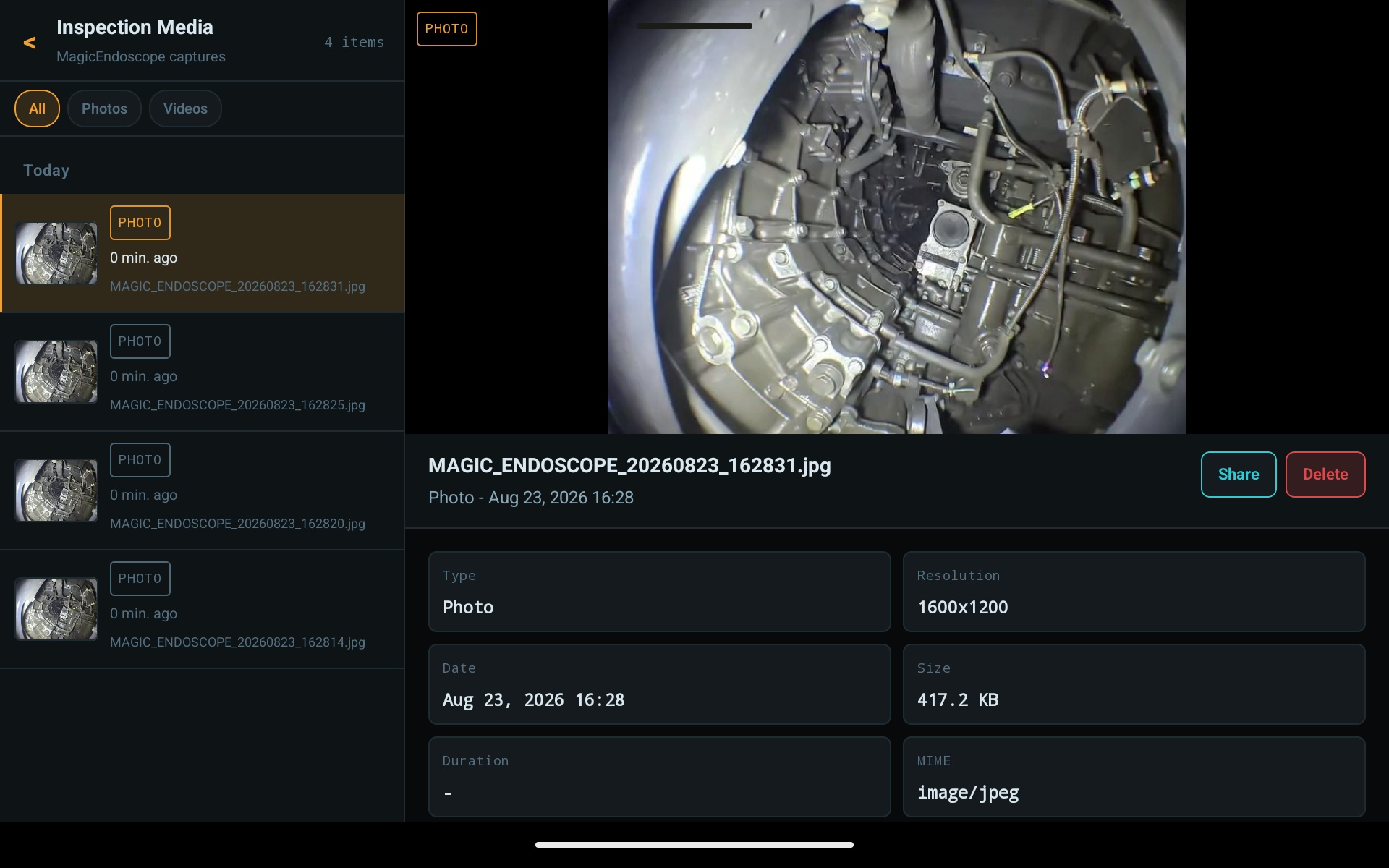
A small update with one job: a steadier picture from USB (OTG) endoscopes on phones and tablets that struggled before. Free for everyone on Google Play.
Read the article →Field notes and write-ups.
A small update with one job: a steadier picture from USB (OTG) endoscopes on phones and tablets that struggled before. Free for everyone on Google Play.
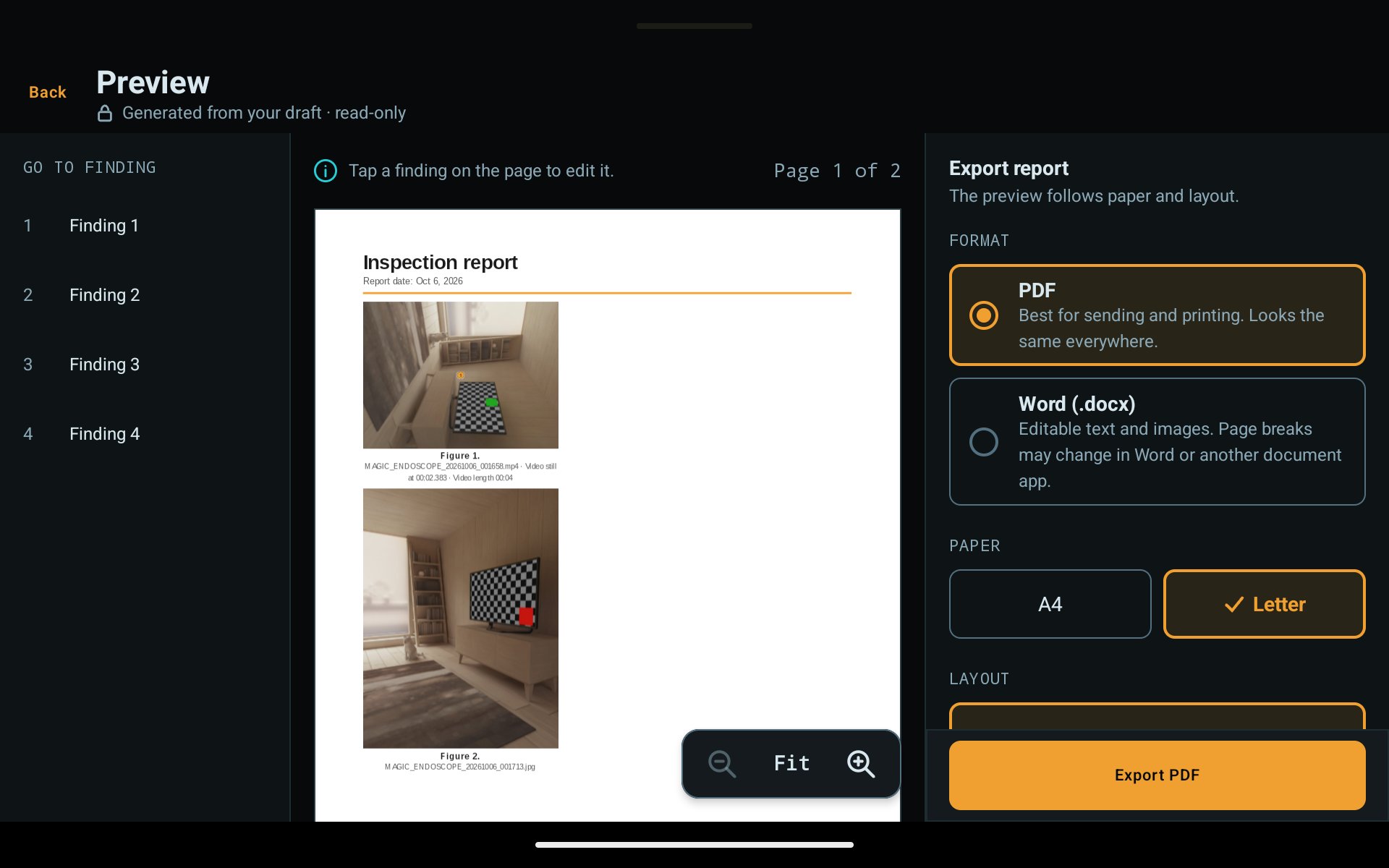
Read the article →Magic Endoscope 1.3 turns captures into PDF or Word inspection reports, records sound with your videos, and switches camera sources from the camera screen.
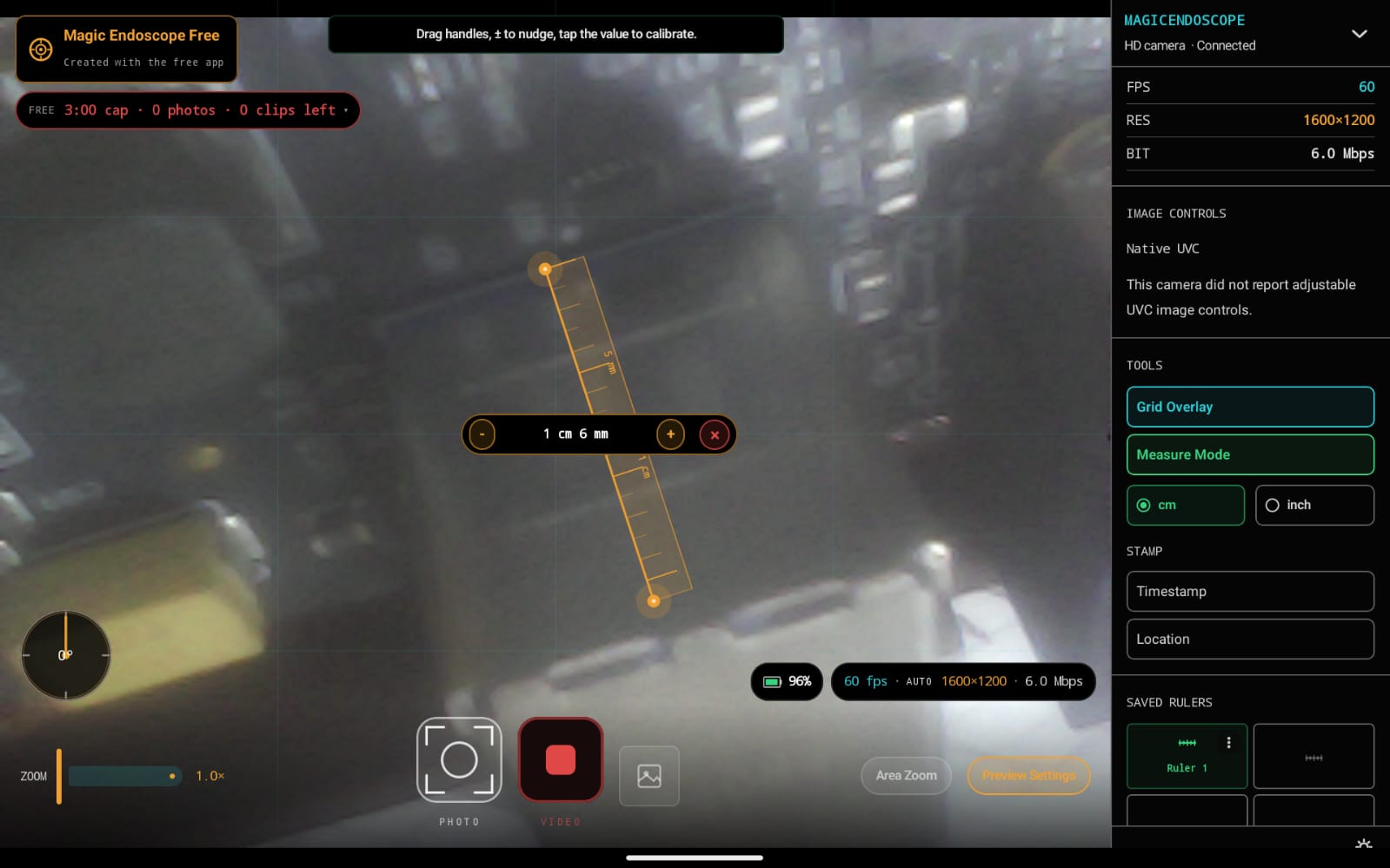
Read the article →The first public Android release of Magic Endoscope: compatible USB and Wi-Fi inspection cameras, photos, videos, setup help and optional one-time Pro.
Read the article →An inspection camera is useful only when its software can connect, display a stable picture, and save the result.
Read the article →