
How to connect a USB endoscope to Android
Check USB OTG support, UVC compatibility, and camera permissions. Follow the setup steps and troubleshoot a USB endoscope with no picture on Android.
Read the guide →Connect a compatible endoscope or borescope to your Android phone or tablet. Preview hard-to-reach spaces, save photos and videos, and add ruler overlays you scale by hand. Start by checking your camera in Free mode.
 Android 10+ · USB OTG · Wi-Fi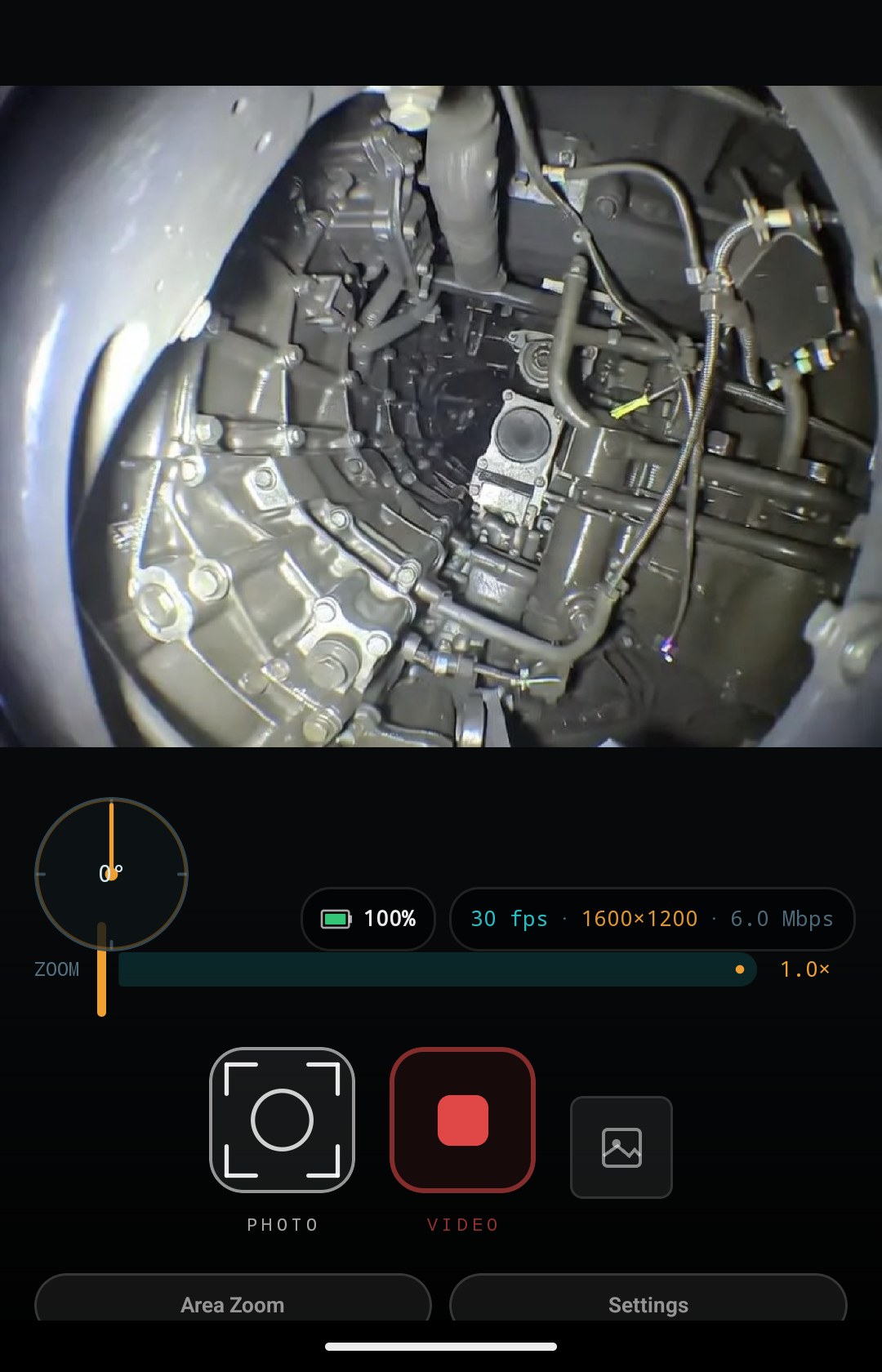
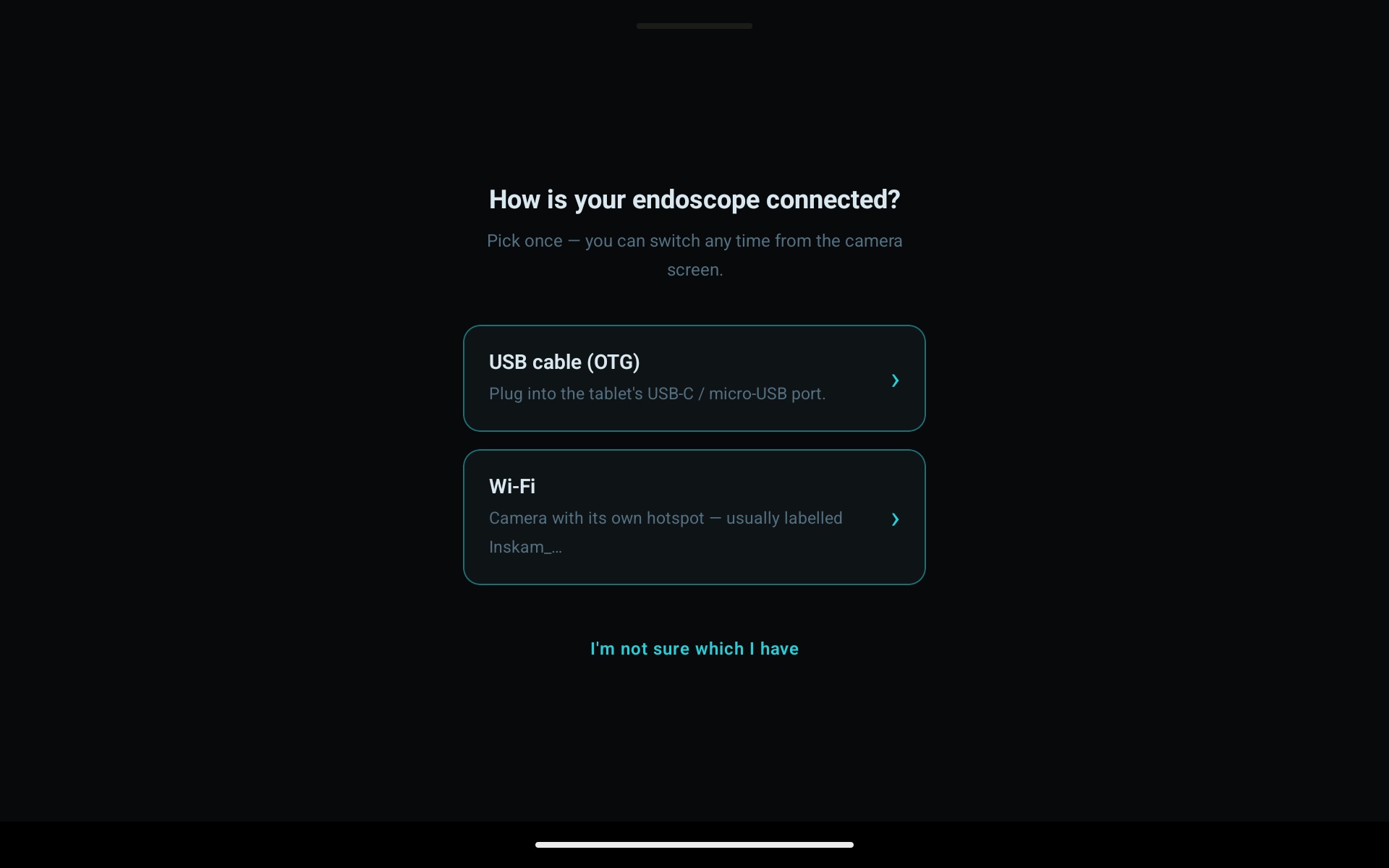
Choose USB cable (OTG) or Wi-Fi from the connection screen. Compatibility depends on the camera protocol, firmware, and Android device.
USB cameras need Android USB host / OTG support. Test your exact phone, adapter, and probe; a brand name or connector alone does not confirm compatibility.
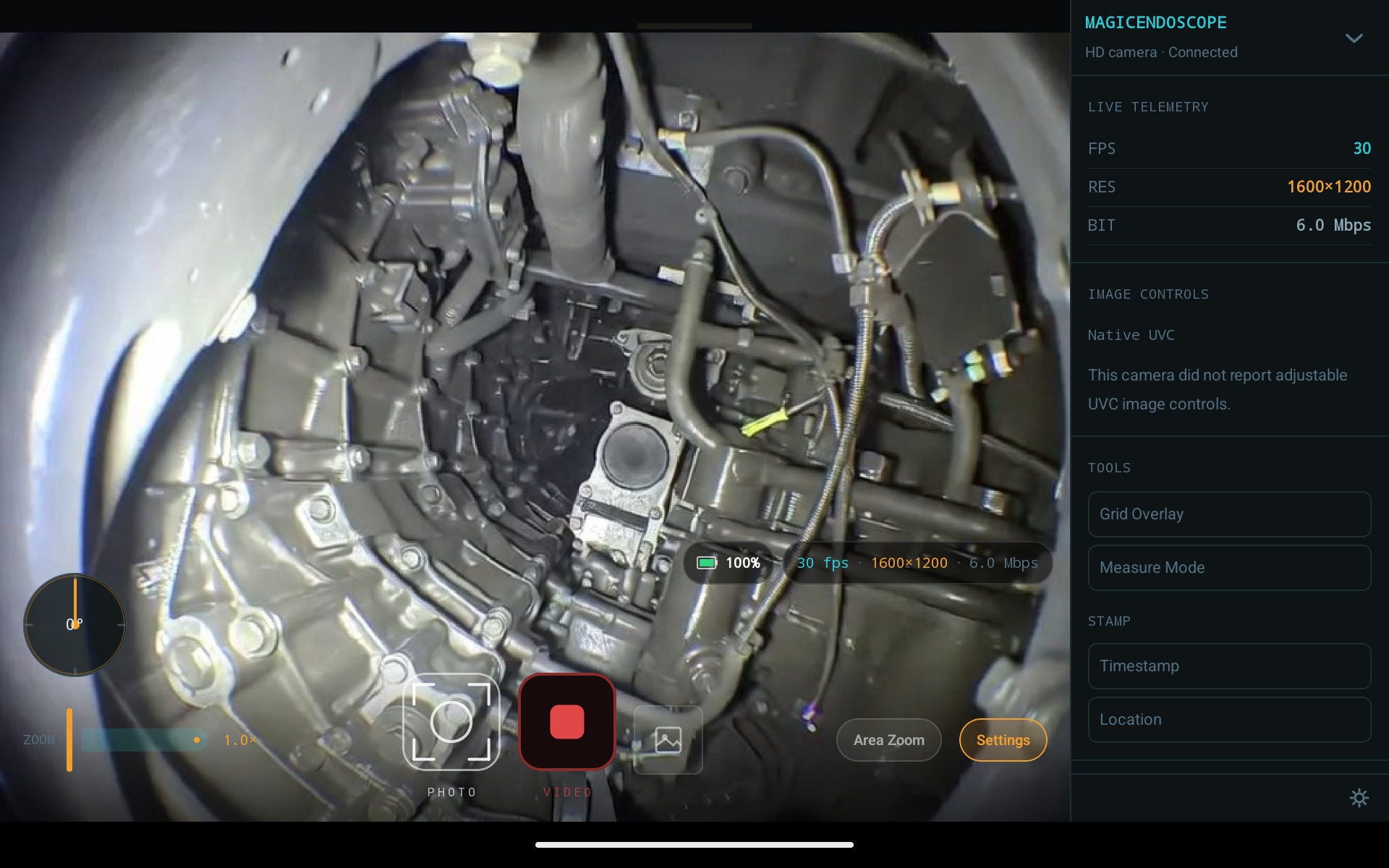
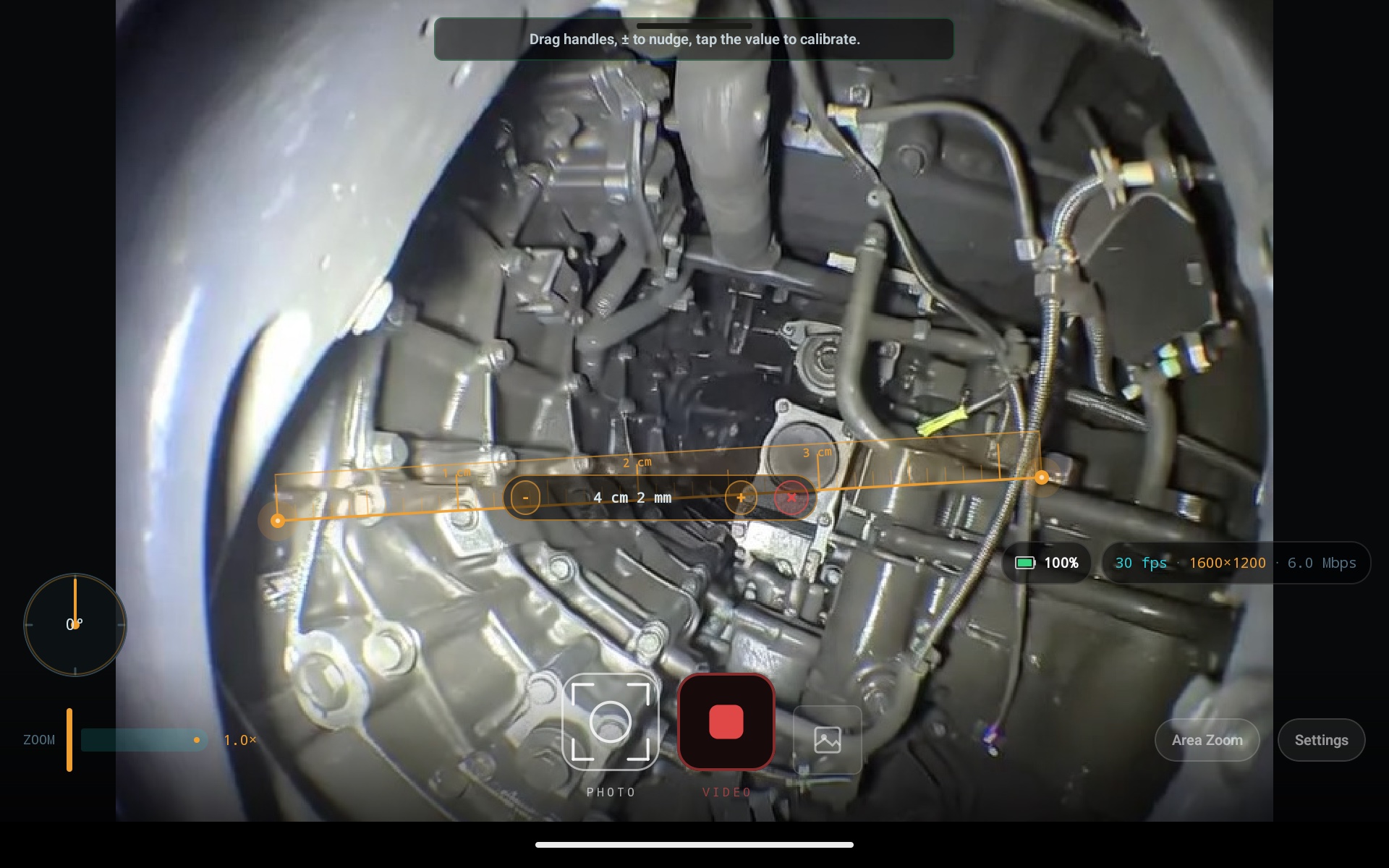
Add optional timestamp, location, and ruler overlays. Rulers use a scale you set; they do not determine physical dimensions automatically.
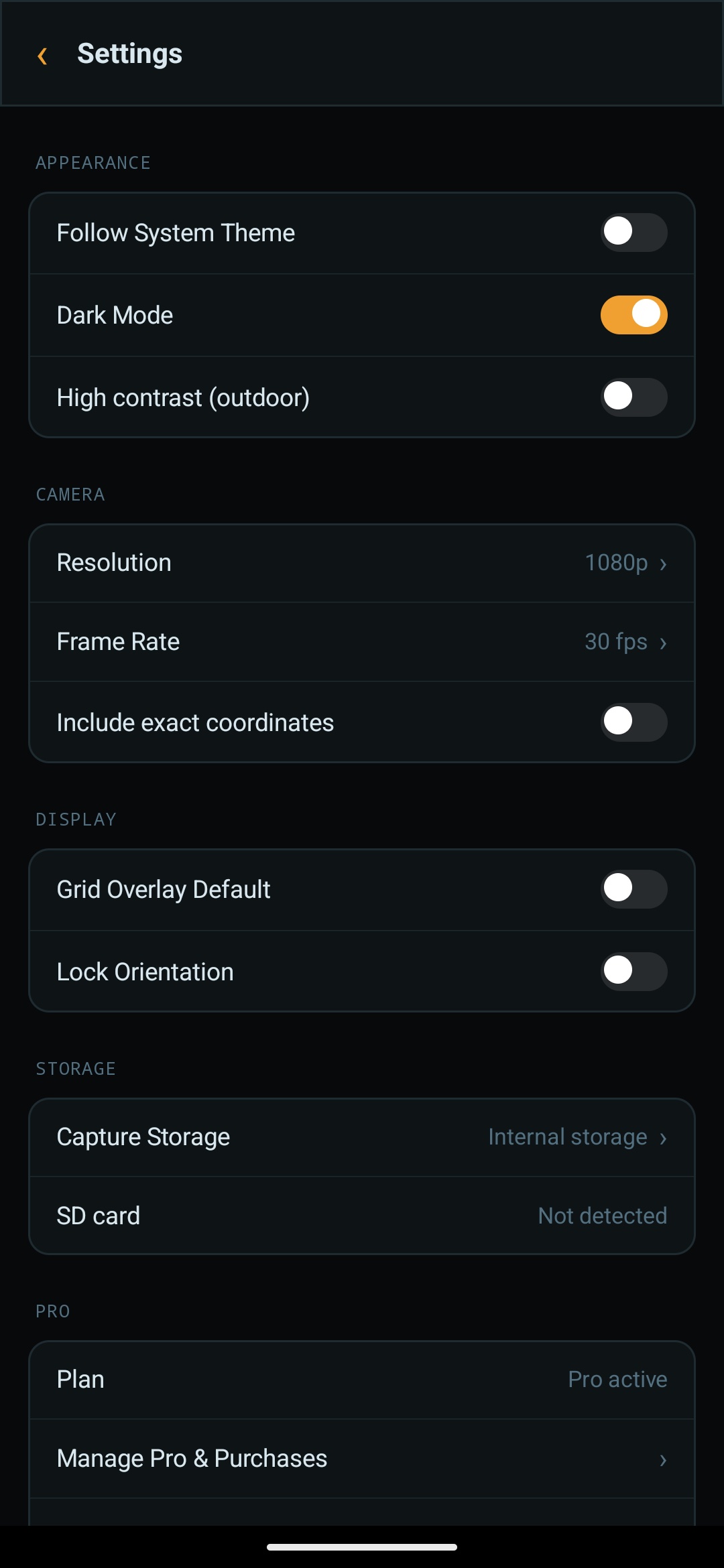
Save to SD card, OTG drive, or a custom folder.
Multi-select, undo delete, full metadata per file.
Readable on a bright job site, outdoors.
Save inspection captures to storage you choose. Depending on the selected provider, this may be local storage or cloud storage. Share selected captures through Android’s sharing options.
Digital zoom with live resolution and bitrate readout.
One-time purchase · No subscription. Google Play shows the local currency price before purchase.
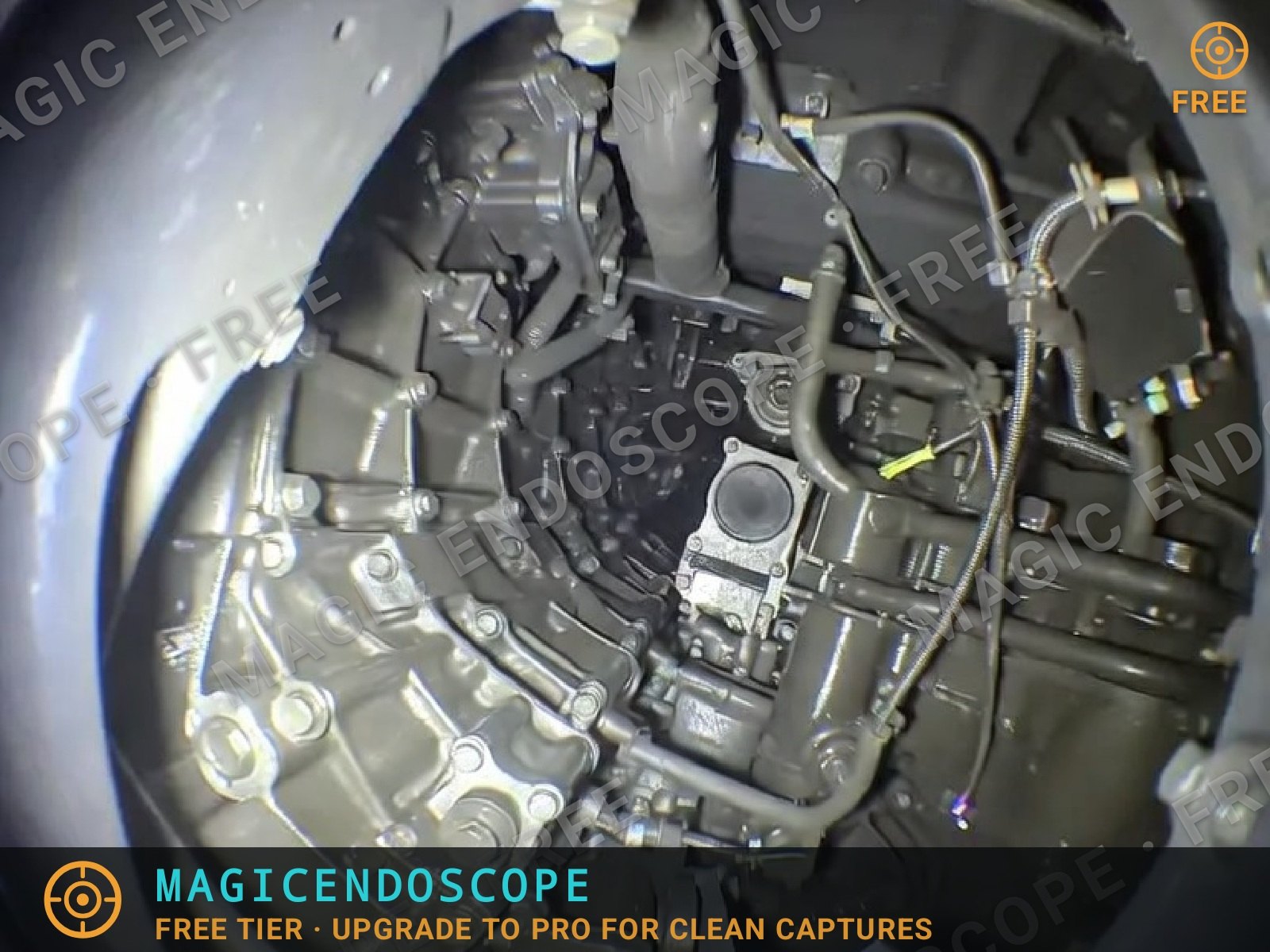
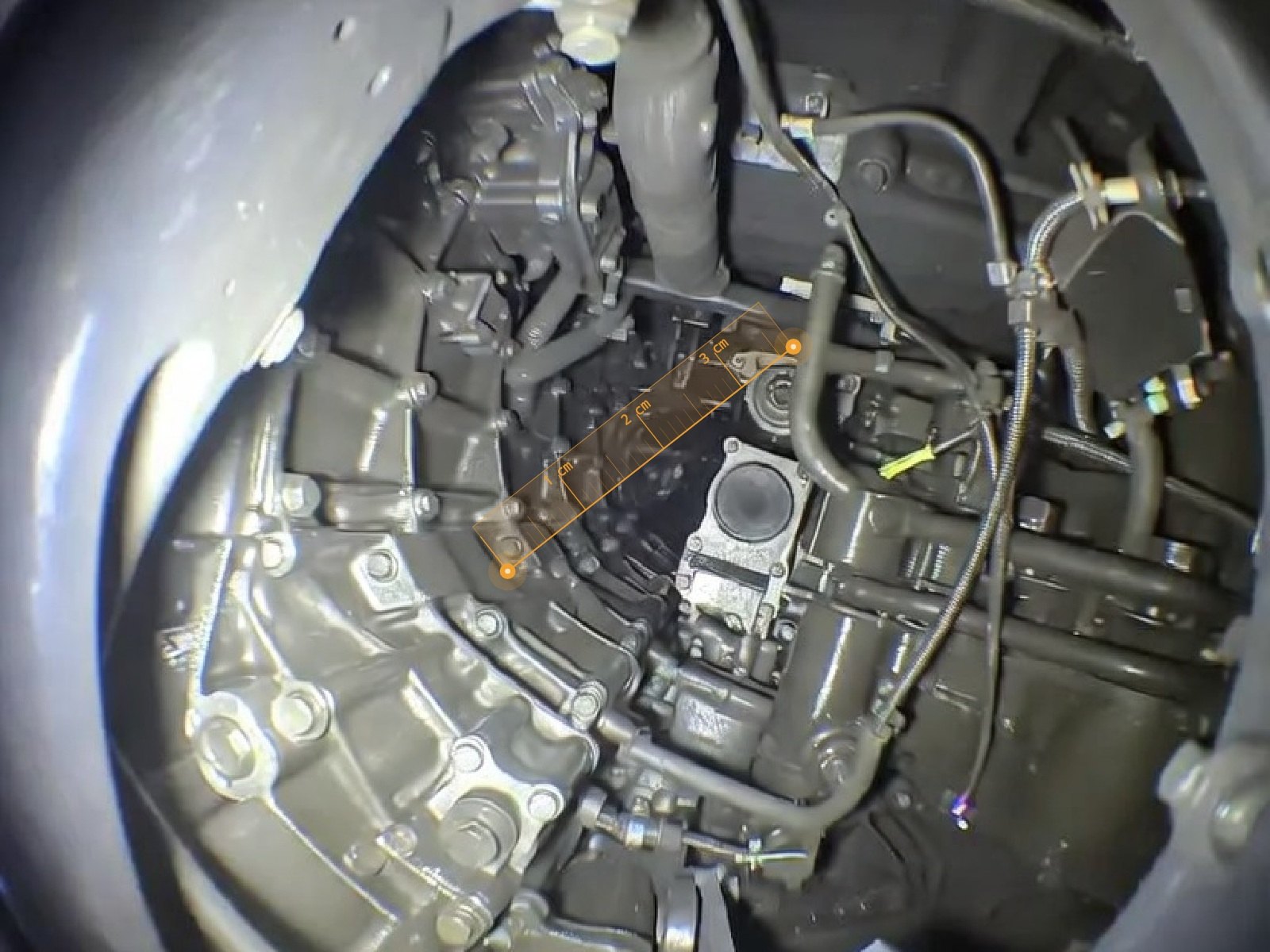
These are the actual files the app saved — same probe, same subject. Free shows the watermark and omits the ruler; Pro burns the ruler and dimensions into the file.
FREE VS PROA capture is never refused, delayed or interrupted for monetisation. The tiers differ only in what the saved file looks like.
| Capability | Free | Pro |
|---|---|---|
| USB, Wi-Fi and phone-camera sources | ✓ | ✓ |
| Photos and video clips | Unlimited | Unlimited |
| Video duration | No cap | No cap |
| Resolution, frame rate and image quality | Never reduced | Same |
| Zoom, rotation, inspection tools, gallery, notes, sharing | ✓ | ✓ |
| Live measurement, calibration and ruler handling | ✓ | ✓ |
| First 10 saved captures per install | Clean output, with your rulers and dimensions | Always clean — no counting |
| Saved photos and videos after that | Watermark (tiled mark, bottom strip, corner badge); rulers and dimensions left out | No watermark; rulers and dimensions included |
| Live preview after the first 10 | Free badge, a hint when measuring, and a dismissable upgrade card | Unchanged clean preview |
Free never limits how much you capture. Pro is a one-time purchase that changes the output: saved photos and videos carry no watermark, and any rulers and dimensions you set are burned into new captures. There is no subscription or recurring charge. Unlock Pro inside Magic Endoscope.
Pro costs US$4.99 as a one-time purchase. Google Play shows the final price in your local currency before purchase.
Magic Endoscope supports compatible USB UVC cameras over OTG and supported Wi-Fi inspection probes, including Inskam, APPOTECH, and standard MJPEG models. A brand name does not guarantee a particular protocol or firmware. Test the exact camera and Android device together; contact support if setup fails.
Android 10 or newer. USB cameras also need USB host / OTG support and a data-capable connection. Wi-Fi support depends on the probe protocol and model.
Magic Endoscope is currently available for Android only.
Photos and videos are saved to the storage you select, which may be local storage or a cloud provider. From the gallery, you choose which captures to share through Android’s sharing options. See the privacy policy for details about permissions and app services.
From the gallery: select one or more items and share them, or save to an SD card, OTG drive, or a custom folder you choose.
Pro costs US$4.99 as a one-time purchase. It removes the watermark from saved media and saves rulers and dimensions into new captures. There is no subscription. Google Play shows your local currency price before purchase.
Check your camera in Free mode — unlimited captures, no time cap. Unlock Pro once to remove the watermark and keep your rulers in every capture.